Written by: Nuno Leiria, Founder & CEO @ Nilo
Key Takeaways
- The original Bally Astrocade (1977–1984) packed impressive graphics and a built-in BASIC cartridge, but 4 KB of RAM and a 1.79 MHz Z80 processor kept most people from using its full power.
- Today, people also use the word “Astrocade” for AI-native, browser-based 3D creation platforms that finally deliver accessible creation without those old hardware limits.
- Modern platforms remove 1970s barriers with natural language prompts, sketch-to-3D generation, automatic mesh cleanup, and real-time collaboration through shared links.
- When you compare tools, focus on onboarding ease, output quality, export formats, automatic performance tuning, and real-time multiplayer support.
- Nilo stands out as a browser-based 3D creation platform that generates game-ready assets in seconds, tunes them for Roblox and other engines automatically, and runs with no installation required, so you can start building and playing in your browser.
Astrocade Wikipedia: How the Name Evolved
The Bally Astrocade began life as the “Bally Home Library Computer,” announced in October 1977 and designed by a team at Midway, Bally’s video game division. Production delays pushed its retail debut to April 1978, when it launched as the “Bally Professional Arcade.” Bally sold its video game division to Astrovision in 1980, the console was renamed the Astrocade in 1982, and it stayed on shelves until around 1984–1985.
Under the hood, the console ran a Zilog Z80 processor at 1.79 MHz with 4 KB of RAM. An 8 KB ROM held the BIOS, which included routines for reading player input, doing calculations, and filling screen areas quickly. Cartridges added another 8 KB of storage. The display system, called the Magic System, rendered bitmapped graphics at 160×102 pixels, supported four colors per screen section from a 256-color palette, and could stamp, stretch, flip, and rotate images without traditional sprites.
The controller used a pistol-grip shape with a trigger button and a top-mounted joystick that also worked as a paddle. The console launched at $299 and shipped with two built-in games, a calculator, and a drawing tool called Scribbling. A built-in BASIC programming cartridge let you write software directly on the hardware, which felt ambitious for a living-room device in 1977.
The Problem: Hardware Limits of the 1970s
The Astrocade stood out for powerful graphics and for how hard it was to reach that power. That tension between impressive potential and a steep access barrier defined the console’s legacy.
With only 4 KB of RAM, every byte mattered. Developers on similar hardware wrote cycle-perfect code that stayed in lockstep with the electron beam, counting CPU cycles per instruction to avoid visual glitches. The Astrocade’s Magic System pushed strong visuals for its era, yet using it well demanded deep hardware knowledge that most home users never had.
The BASIC cartridge opened a door to creation, but programming in BASIC on a 1.79 MHz Z80 with 4 KB of RAM meant constant trade-offs. Collision detection, animation, and sound all fought for the same tiny memory pool. The console’s dream of accessible creation hit the physical limits of 1970s silicon.
What People Mean by Astrocade in 2026
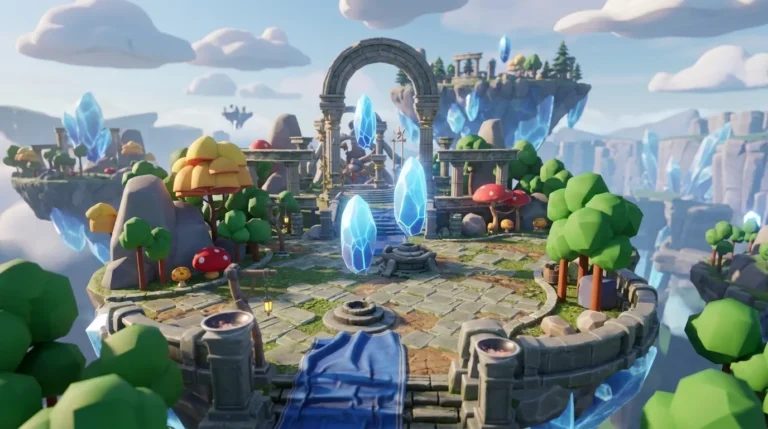
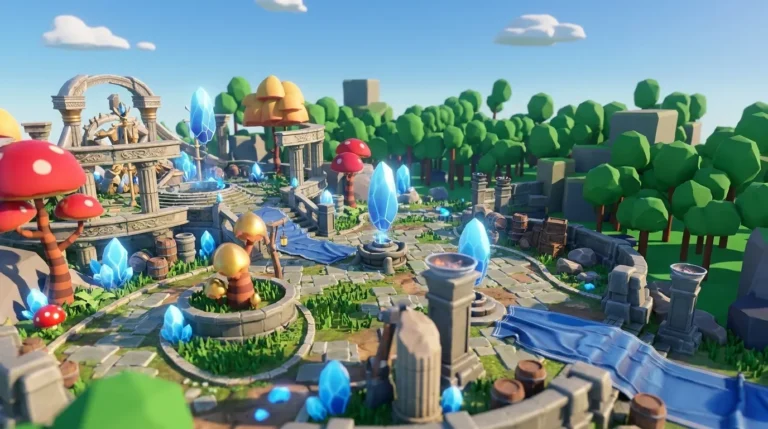
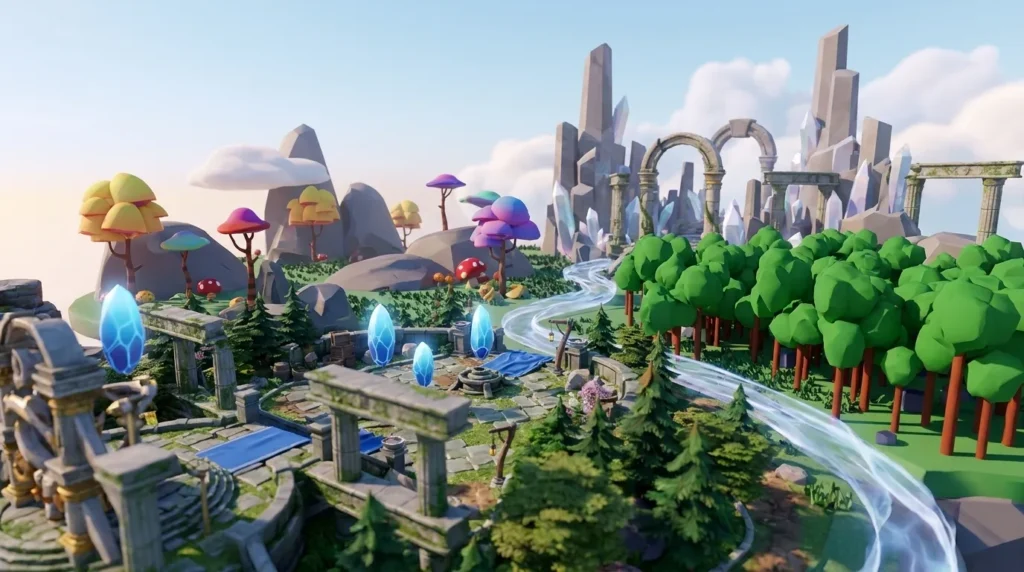
That unfulfilled promise of powerful creation tools held back by hardware explains why the name “Astrocade” shows up again in 2026, now attached to a very different type of tool. In 2026, “Astrocade” appears in two distinct contexts. The first is the historical Bally console described above. The second is a growing category of AI-native, browser-based 3D creation platforms, sometimes called “Astrocade AI” in community chats, that carry the same ambition of putting strong creation tools in your hands without hardware limits.
This name collision creates real confusion when you search or research. To clarify what is going on, look at how the original console’s hardware-bound design compares with modern browser platforms and traditional desktop engines.
Original Astrocade vs. Modern Platforms
| Attribute | Bally Astrocade (1977–1984) | AI-Native Browser Platforms (2026) | Desktop Engines (Unity / Unreal / Blender) |
|---|---|---|---|
| Installation required | Dedicated hardware purchase ($299 at launch) | None, runs in a browser | Download and install required, high-spec hardware recommended |
| Creation approach | BASIC cartridge, built-in drawing tools, limited scripting | Natural language prompts, sketch-to-3D, AI asset generation | Node graphs, scripting languages (Lua, C#, C++), manual modeling |
| Collaboration | Up to 4 local players, no networked creation | Real-time multiplayer creation via shared link | Version control workflows, not real-time by default |
| Export / interoperability | Proprietary cartridge format only | Standard formats: FBX, OBJ, STL, glTF | Broad format support, platform-specific pipelines vary |
If you grew up playing Roblox or Minecraft and now want to build your own worlds, the modern browser-based category almost certainly matches what you need, so you can start creating in Nilo’s editor with no download.

How AI-Native 3D Platforms Solve Old Astrocade Limits
AI-native, browser-based 3D creation platforms tackle the same six barriers that stopped the original Astrocade from reaching its full vision. Each capability removes a specific blocker, from asset creation to sharing, so you can focus on ideas instead of wrestling with tools.
3D Asset Generation and Refinement
The first barrier is turning an idea in your head into a usable 3D mesh without months of modeling practice. Common workflows include text-to-3D, image-to-3D, and sketch-to-3D. Platforms like Meshy report over 12 million users generating more than 100 million 3D models, which shows how strong this demand is.
AI meshes often arrive messy, with high polygon counts, odd symmetry, or texture issues that break game performance. Nilo stands out by hiding multiple AI providers (Meshy, Tripo, Nano Banana, Cartwheel) behind one simple interface and running automatic retopology, so you get Roblox-ready assets without a long Blender cleanup step.

Natural Language Logic Creation (Vibe Coding)
Scripting blocks many aspiring builders more than any other skill. Vibe coding lets you create game logic by typing, talking, or sending images to an AI instead of writing code line by line. This approach removes the “I must learn a full language first” wall.
The trade-off is precision. Natural language can be vague, and complex systems still need testing and iteration. Platforms differ a lot in how well they turn your intent into working logic and how quickly those changes show up in your 3D world.
World Building and Scene Assembly
World building tools range from simple drag-and-drop shapes to full procedural generation. The goal is to keep creation hands-on and spatial so you feel like you are building a place, not just sending prompts into a black box. Browser tools like Spline offer visual 3D editors with drag-and-drop workflows, yet many focus on static scenes instead of game-like interaction.
When you test a platform, check whether objects move, collide, and react in real time. If everything feels frozen, you are building a diorama, not a playable world.
Optimization and Performance Constraints
Roblox caps assets at 10,000–20,000 polygons and 1,024×1,024 textures, which means any platform that targets Roblox must reshape meshes to fit those limits. Browser-based 3D performance is also constrained by draw calls, shader complexity, and memory bandwidth, with practical CPU limits around 1,000–3,000 draw calls per frame.
WebGPU can deliver 3–5× faster rendering than WebGL for complex scenes, yet even with that speed boost, LOD systems that simplify distant meshes stay essential for mobile performance. You should look for platforms that handle LOD and polygon reduction automatically, because manual optimization slows you down and raises the chance of errors.
Real-Time Collaboration and Sharing
The original Astrocade allowed four local players but no shared building. Modern platforms span a wide range. Some let you and your friends build together in real time through a shared link, while others keep creation strictly single-player.
Real-time sync adds networking complexity, so not every tool supports it well. Browser-first frameworks handle many performance details for you, yet true multiplayer creation with game-engine fidelity still feels rare.
Export and Interoperability
Browser platforms often export GLTF or GLB because these formats are compact and fast to parse compared with OBJ or FBX. You should confirm that a platform exports to the formats your target engine expects, since Roblox, Unity, Unreal Engine, and Blender each favor specific pipelines.
A tool that traps you in its own ecosystem limits your options as your skills grow. Nilo exports to FBX, OBJ, STL, and glTF, so you can treat it as your main creation space or as one part of a larger pipeline and try it directly in your browser with no installation.

Best Practices for Evaluating Tools
When you compare AI-native creation platforms, use these six criteria as a simple checklist.
- Onboarding ease: You should be able to create something in under five minutes without watching a tutorial.
- Output quality: Generated assets should be close to game-ready instead of needing heavy cleanup.
- Export compatibility: The platform should export to FBX, OBJ, STL, or glTF for your target engine.
- Performance limits: The tool should handle LOD and polygon optimization for you.
- Collaboration needs: You should be able to build with friends in real time through a shared link if that matters to you.
- Learning value: The interface should teach real concepts like rigging, mesh topology, and physics as you build.
Three quick scenarios show how these criteria play out.
First-time creator: You have never touched a 3D tool. Focus on onboarding ease and natural language asset generation. A platform that expects Blender skills before your first export will burn you out. Look for sketch-to-3D or text-to-3D flows with instant in-browser preview.
Roblox-focused builder: You already build in Roblox Studio and spend 30 or more minutes per asset on manual retopology. Focus on output quality and export compatibility. Check whether the platform’s LOD system stays within Roblox’s 10K–20K polygon cap and whether exported FBX or GLB files import cleanly without pivot or collision issues.
Small collaborative team: You and two friends want to build a world together after school. Focus on real-time collaboration and sharing. Check whether the platform supports simultaneous editing through a shared link, runs on both desktop and mobile browsers, and lets you publish instantly without waiting in a submission queue.
Nilo stands out across all three scenarios. It runs in the browser, generates characters, weapons, and props in seconds from sketches or prompts, and tunes polycount automatically for Roblox Studio and other platforms. According to Nilo’s February 2026 survey, 93% of builders said they would recommend Nilo to a friend, and 82% rated their experience as “Awesome” or “Good.” You can use those numbers as one data point while you test tools yourself.
Frequently Asked Questions
What is the Bally Astrocade?
The Bally Astrocade is a second-generation home video game console released in 1978, known for its built-in BASIC cartridge and strong graphics for the time. It offered a drawing tool called Scribbling and shipped with two games. See the opening section of this article for full technical specs and naming history.
What does “Astrocade AI” mean in 2026?
In 2026, “Astrocade AI” is an informal label some communities use for AI-native, browser-based 3D creation platforms. These tools let you generate, build, and share 3D worlds without installing software or learning professional engines like Unity or Blender. The shared name with the 1977 console confuses search results, which is why guides like this help separate the two meanings.
Do I need coding skills to use modern AI-native creation platforms?
You do not need coding skills to get started. Platforms in this category use vibe coding, so you describe what you want in plain language by typing, talking, or sending an image, and the AI creates working game logic in real time. You can still tweak underlying variables directly, which becomes a natural way to learn real programming concepts over time. Scripting knowledge helps for advanced custom systems but is not required to build and publish a playable world.
How does browser-based 3D creation compare to desktop engines like Unity or Blender?
Desktop engines such as Unity, Unreal Engine, and Blender are professional tools built for experienced developers. They need installation, strong hardware, and a long learning period, sometimes months or years before you ship something polished. Browser-based platforms run on almost any device with no download, support real-time collaboration through shared links, and use AI to handle technical tasks like mesh cleanup and rigging.
The trade-off is depth. Desktop engines still offer more control for complex, large-scale productions. For aspiring builders moving from playing to creating, browser-based platforms remove many barriers that cause people to quit before they finish a project.
Can I export assets from Nilo to Roblox or other platforms?
Yes. Nilo exports to standard 3D formats such as FBX, OBJ, STL, and glTF and works with Roblox Studio, Unity, Unreal Engine, Blender, VRChat, and other 3D software that accepts those formats. Nilo’s built-in LOD system adjusts polygon counts to match Roblox’s 10K–20K cap, so your exports import cleanly without manual cleanup. You can treat Nilo as your full creation pipeline or as an asset generator that feeds other platforms.

Conclusion
The Bally Astrocade was a real technical achievement, a 1977 living-room device with a BASIC cartridge, a drawing tool, and graphics that outpaced many rivals. Its limitation came from hardware, since the memory and processing constraints described earlier could only go so far toward making advanced creation feel accessible to everyone.