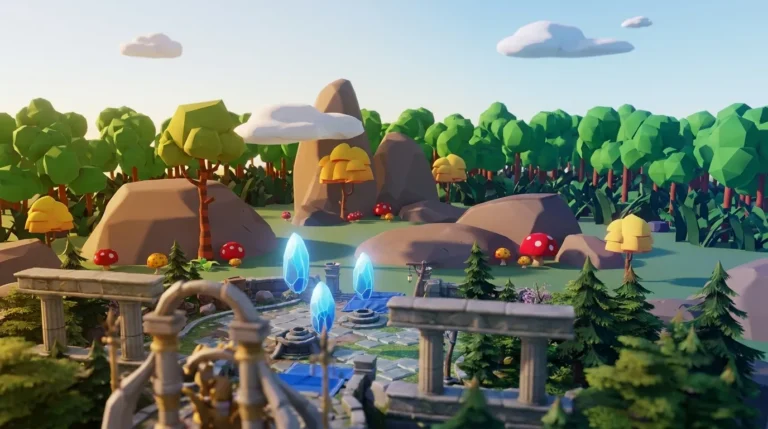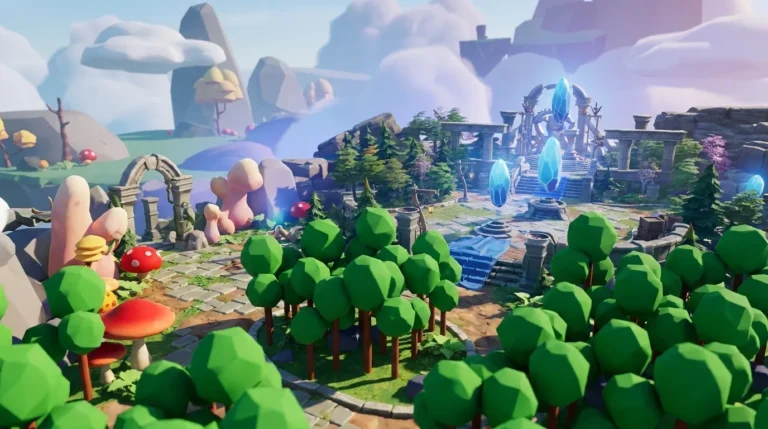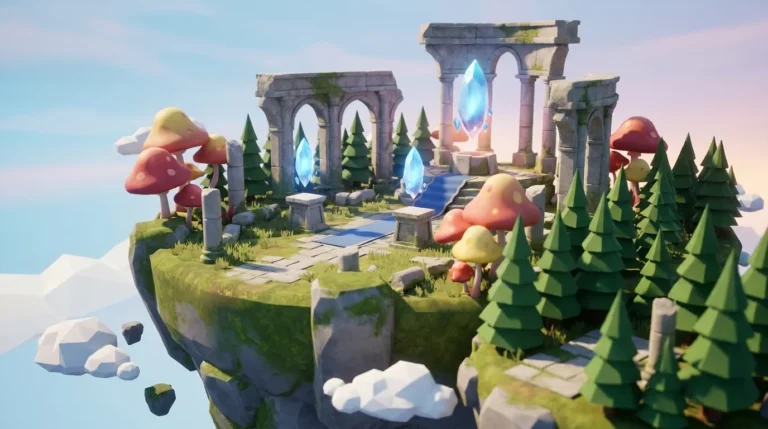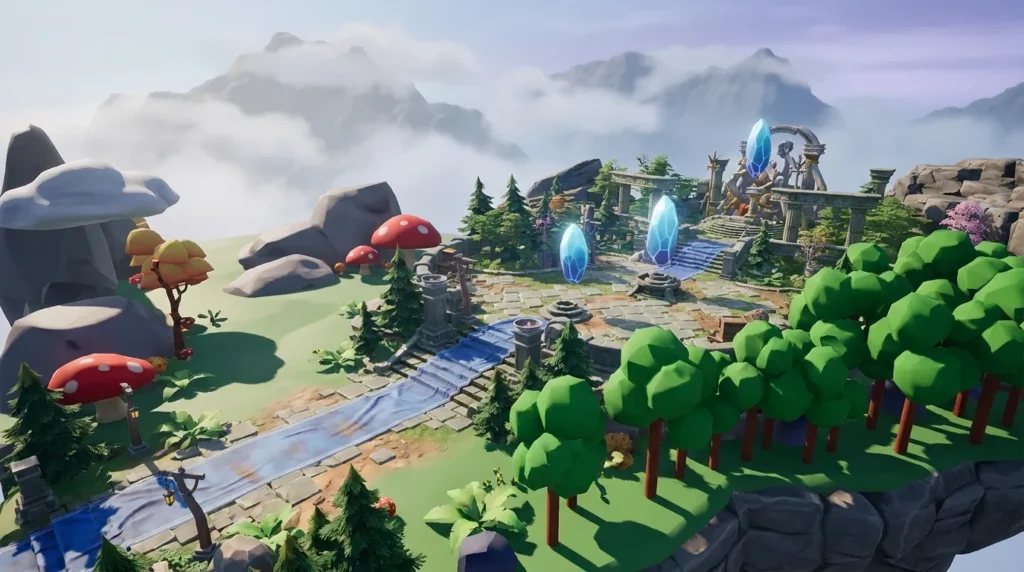
Written by: Nuno Leiria, Founder & CEO @ Nilo
Key Takeaways
- Rosebud AI’s free tier gives you limited weekly credits with daily caps, so long building sessions get cut short.
- Free users cannot commercialize games or export to platforms like Roblox. You need a paid plan for commercial rights and desktop or Steam exports.
- Browser-based game engines that do not meter core building let you iterate as much as you want and include commercial rights from day one.
- Key differences include Nilo’s real-time physics, automatic LOD optimization, natural language coding, and direct Roblox export without a subscription.
- Try Nilo’s open beta to build and play for free with commercial rights included.
The Problem: Credit Walls and Rights Confusion While You Build
You feel the pain when you spend an afternoon building a game in Rosebud AI and hit a credit wall mid-session. Iterative game development eats multiple generations, and every chat prompt for building or editing pulls from the same daily limit. The free tier fits short daily sessions, not long multi-hour builds.
Searches for “Rosebud AI” sometimes show a journaling app with the same name. This article covers Rosebud AI the browser-based game maker only, not the journaling product.
Free users cannot commercialize their games regardless of how much effort they put in. If you build something people love and want to sell it or publish it on a platform like Roblox, you must upgrade to a paid plan first. For builders aged 13–18 who are just getting started, that paywall feels heavy.
Rights uncertainty adds more stress. As of 2026, purely AI-generated game assets lack human authorship and are not copyrightable on their own in the United States, and Rosebud AI grants commercial rights only to paid users. That mix makes it hard to know what you truly own before you try to monetize anything.
Start building in Nilo’s open beta for free and keep commercial rights from your first session.
Why Browser-Based Game Engines Without Credit Meters Feel Different
A browser-based game engine gives you a full creation environment inside your web browser, with no download, no installation, and no expensive hardware. Unlike prompt-to-game wrappers that spit out a single game from one text prompt, a real engine lets you step into the world, move things around, test physics, and iterate live.
Engines in this category usually share a few traits:
- No credit metering for core building. You can place objects, edit the world, and test your game without burning a generation credit every time.
- Commercial rights included. What you build is yours to export and monetize without unlocking that permission behind a paid tier.
- Real-time engine feedback. Physics, collisions, and animations run live so you see what your game feels like while you build.
- Export to standard formats. FBX, OBJ, glTF, and platform-native formats like Roblox’s RBXMX let you move your work wherever you want.
This approach closes the gap between prototype and monetization because you are not racing a daily credit reset. You build when inspiration hits, iterate as many times as you need, and export when you are ready, not when your credits allow it.
Nilo stands out in this space as a browser-based, AI-native game engine built for Roblox creators like you. It combines 3D asset generation, one-click rigging, AI animation, natural language coding where you just tell the AI what you want, and real-time multiplayer collaboration in one place. In Nilo’s February 2026 Survey, 93% of builders said they would recommend Nilo to a friend.

Jump into Nilo’s open beta and start building today without paying.
Rosebud AI Free Tier Credits in 2026
Rosebud AI’s free tier gives you a small pool of credits and supports public, remixable projects for personal use only.
The free tier also adds a daily generation cap on AI requests that covers both chat prompts and follow-up changes, with the cap resetting each day. You work inside two overlapping limits: a weekly credit pool and a daily request ceiling.
Free tier generations cover chat prompts for building or editing games, including follow-up edits, and they all draw from the same daily limit. Every interaction costs something. Free users also see slower generation speeds or wait behind paid users during busy times.
For comparison, Nilo’s free tier includes 1,000 Nilo Bits per month for AI generation. Many core building features, such as placing objects, editing the world, and testing physics, use no Bits at all.
When You Need a Paid Plan for Commercial Use
Rosebud AI grants commercial rights on its 10x Dev or Pro plans. You also need a paid plan to download project code.
Commercial use starts the moment you plan to earn money from your game. Selling it, running ads, accepting donations, or publishing to a marketplace all count. Free users cannot commercialize their games, so commercial rights always sit behind a paid plan.
Export rules shape your choices too. On the free tier, Rosebud AI games run in the browser and you share them with a link, while paid plans unlock export to Windows .exe and Steam.
The practical takeaway is simple. If you want to publish a Roblox game and earn Robux from it, you need a paid plan with commercial rights before you can legally monetize anything you built in Rosebud AI.
Rosebud AI Free Tier Limits at a Glance
| Tier | Credits / Reset | Projects | Commercial Rights | Export |
|---|---|---|---|---|
| Free | Limited credits with daily cap | Public and remixable only for personal use | Personal use only, no commercial rights | Browser and link share only |
| Indie Dev tier | Higher credit allowance | Private projects unlocked | No commercial rights | Browser and link share only |
| 10x Dev or Pro tier | Higher credit allowance | Private projects | Commercial rights included | Windows .exe and Steam (added May 2026) |
| Pro tier | Highest credit allowance | Private projects | Commercial rights included | Windows .exe, Steam, and project code download |
Explore Nilo’s free tier if you want commercial rights and export options from the start.
Decision Guide: Prototype Goals vs Paid Commercial Use
Use this step-by-step guide to decide whether the Rosebud AI free tier fits your goals:
- Are you just experimenting or learning?
- Yes → Free tier may work. Stay aware of daily caps.
- No → Continue to step 2.
- Yes → Free tier will not work. A paid plan is required.
- No → Continue to step 3.
- Yes → You need a 10x Dev or Pro plan for commercial rights.
- No → Continue to step 4.
- Yes → Rosebud AI has no Roblox export on any tier. Consider a browser-based game engine with standard format export instead.
- No → Free tier may be enough for browser-only sharing.
If you answered “Yes” to steps 3 or 4, a browser-based game engine that includes commercial rights from the start and exports directly to Roblox removes those worries completely.
Capability Trade-offs Across Rosebud AI and Nilo
Asset Generation
Rosebud AI generates 2D and voxel-style assets from chat prompts, with 3D features still growing. Every generation costs credits. Nilo stands out by connecting multiple 3D AI model providers such as Meshy, Tripo, and Nano Banana behind one interface, so you can swap models for quality, style, or speed without leaving your build.

World generated through Nilo, a browser-based 3D creation platform built for Roblox creators and game developers Scripting
Rosebud AI uses AI chat to generate game logic, which feels fine for simple prototypes but can break when you tweak one part and affect another. Nilo’s vibe coding, a natural language code editor where you just talk, text, or send images to the AI, shows changes live in the 3D world. You can also adjust real code variables directly, so you learn real concepts while you build.
World Building
Rosebud AI’s world building leans on prompts with limited hands-on spatial control. Nilo puts you inside the world with a radial menu for quick object creation, an inspector panel for detailed editing, and real-time physics so everything moves and reacts as you place it.

Assets and world generated through Nilo, a browser-based 3D creation platform built for Roblox creators and game developers Optimization
Rosebud AI does not include a dedicated polygon optimization tool. Roblox caps assets at 20,000 polygons, so assets from other tools often need manual cleanup. Nilo’s real-time LOD system adjusts polygon counts on the fly and keeps exports within Roblox’s limits without extra work from you.
Collaboration
Rosebud AI lets you share games with a link for play, but it does not support real-time co-building. Nilo supports real-time multiplayer creation, so you share a URL and build together on desktop or mobile instantly.
Export
Rosebud AI games run in the browser with link sharing on the free tier, and paid plans unlock export to Windows .exe and Steam. Nilo exports to FBX, OBJ, STL, glTF, and Roblox’s native RBXMX format, with textures and attachments packed in one file and no subscription required. You can also upload directly to Roblox Studio with an API key.

Assets generated through Nilo, a browser-based 3D creation platform built for Roblox creators and game developers Test Nilo’s export pipeline in the open beta and see how it fits your Roblox workflow.
Staying in Creative Flow Without Hitting Credit Walls
These habits help you avoid credit walls and rights surprises no matter which tool you use:
- Plan your session before you open the tool. Sketch your idea on paper first. Every prompt you skip during exploration saves credits for actual building, and this planning also clarifies which features you will need.
- Check commercial rights before you invest time. Read the terms for your current tier before you start a project you want to monetize, because discovering a rights wall after 20 hours of work is avoidable if you check early.
- Keep a generation log. Track which prompts gave strong results. Reusing good prompts costs fewer credits than experimenting from scratch every session and keeps your style consistent.
- Test exports early. Run a test export in your first session. You avoid finishing a project only to learn that your target format or platform is not supported.
- Use core building tools for iteration. On platforms where placing and editing objects is free, do most structural work there and save AI generation for assets you cannot or do not want to build by hand.
Try these habits inside Nilo’s free beta and see how far you can go without worrying about credits.
Real Builder Scenarios in 2026
Scenario 1: Weekend prototype only. A 15-year-old builder wants to test a simple obstacle course idea over a weekend. Rosebud AI’s free tier can work here, because the daily cap resets each morning, public link sharing is enough, and there is no plan to monetize. The friction stays manageable for a short experiment, although hitting the daily cap mid-session can still break your momentum.
Scenario 2: Commercial Roblox game. A 17-year-old builder has a finished game concept and wants to publish it on Roblox and earn Robux. Rosebud AI’s free tier blocks this in two ways: no commercial rights and no Roblox export on any tier. A commercial tier still does not fix the Roblox export gap. A browser-based game engine with Roblox export and included commercial rights removes both blockers. As one builder said in Nilo’s February 2026 Survey, “I do not have to spend hours on 3D modeling the simplest things. Now I can use Nilo and do it in 15 seconds,” and everything exports directly to Roblox Studio.
See how fast you can ship a Roblox-ready build in Nilo compared with your current setup.
Frequently Asked Questions
Does Rosebud AI’s free tier reset daily or weekly?
The free tier uses limited credits with both daily and weekly limits that can apply at the same time. A daily cap limits how many AI requests, including chat prompts and edits, you can make in a single day. The daily cap resets each morning, and the weekly credit pool resets on a seven-day cycle. Hitting either limit pauses your session until that reset happens.
Can I use Rosebud AI to make a Roblox game?
Rosebud AI can help you prototype game logic and generate some assets, but it does not export to Roblox’s native formats on any tier. Games run in the browser and you share them with a link. If your goal is a finished, exportable Roblox game, you need a tool that supports RBXMX or FBX export with Roblox-optimized polygon limits. Nilo exports directly to Roblox Studio in RBXMX format, with automatic LOD optimization that stays within Roblox’s polygon limits.
What happens to my Rosebud AI games if I do not upgrade?
Free-tier projects stay public and remixable. You cannot make them private without upgrading to a paid plan. If you built something you are proud of and want to keep it private or monetize it, you must upgrade first, and commercial rights still require a paid plan such as 10x Dev or Pro.
Do I own what I create with AI game tools?
Ownership depends on the platform’s terms and the law that applies to you. As of 2026, purely AI-generated assets are not copyrightable on their own in the United States. The human-authored parts of your game can still be protected, but AI-generated pieces are treated separately. Rosebud AI’s terms give commercial rights only to paid users. Nilo’s terms state that any models, skins, or UGC items you create are yours to use, publish, and monetize, including on the Roblox Marketplace.
Is there a browser-based game engine that includes commercial rights for free?
Yes. Nilo’s free tier includes 1,000 Nilo Bits per month for AI generation, and the terms confirm that what you create is yours to monetize. Many core building features, such as placing objects, editing worlds, testing physics, and collaborating in real time, use no Bits at all. Nilo is in open beta, so you can sign up and start building without spending a bunch of money.
Conclusion: Match Your Tool to Your Real Goal
Rosebud AI’s free tier works for short prototype sessions with no plan to monetize. Friction appears when you need privacy, commercial rights, or Roblox export, because each one requires a paid upgrade, and Roblox export is not available on any tier. If you want a publishable, monetizable Roblox game, a browser-based game engine with commercial rights and standard format export included from the start gives you a more direct path. Evaluate each tool against your real goals before you invest serious time in it.