What You Will Be Able to Do After This Guide
- You can build a fully playable Roblox obby using only natural language prompts in your browser, with no scripting or Roblox Studio.
- Nilo’s browser workflow lets you generate platforms, checkpoints, kill bricks, and moving obstacles instantly while staying inside Roblox’s technical limits.
- You share a single link for real-time multiplayer playtesting, then export FBX or glTF files that are ready for Roblox Studio.
- Core mechanics such as respawn logic, physics, and LOD are handled for you so you focus on design instead of code.
- You can start building your own obby for free at Nilo and turn ideas into playable experiences in under 30 minutes.
Roblox Studio vs Building an Obby in Your Browser
| Criteria | Nilo (Browser-Based) | Roblox Studio (Traditional) |
|---|---|---|
| Installation | Zero, open a browser tab and start | Desktop app download required |
| Scripting requirement | None, natural language prompts generate logic | Lua scripting needed for checkpoints, kill bricks, moving parts |
| Optimization | Auto LOD (level of detail, automatic polygon reduction) for Roblox’s 10k–20k triangle limit | Manual polycount management and union cleanup |
| Time to first playtest | Under 30 minutes from zero | Hours to days, depending on scripting skill |
Roblox Studio is a capable professional tool, but it was built for professionals. Aspiring builders like you hit the scripting wall fast, and that wall kills momentum. The browser-based workflow below removes that wall by letting you build through natural language instead of code. Here is how you can start.
Kick Off Your Obby in the Browser Without Roblox Studio
Step 1: Open Nilo and describe your obby.
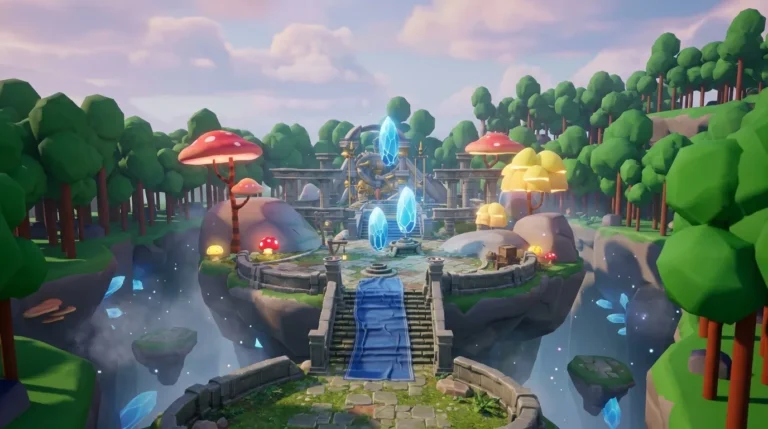
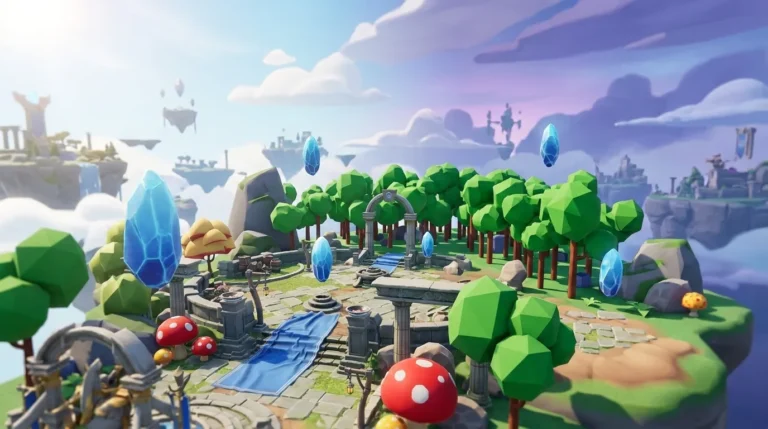
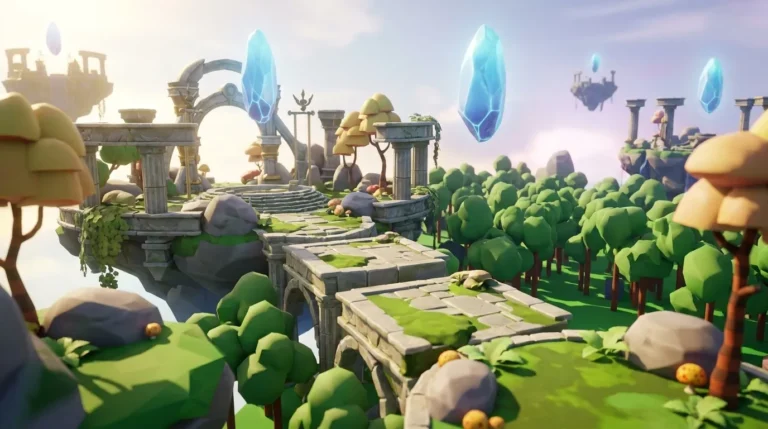
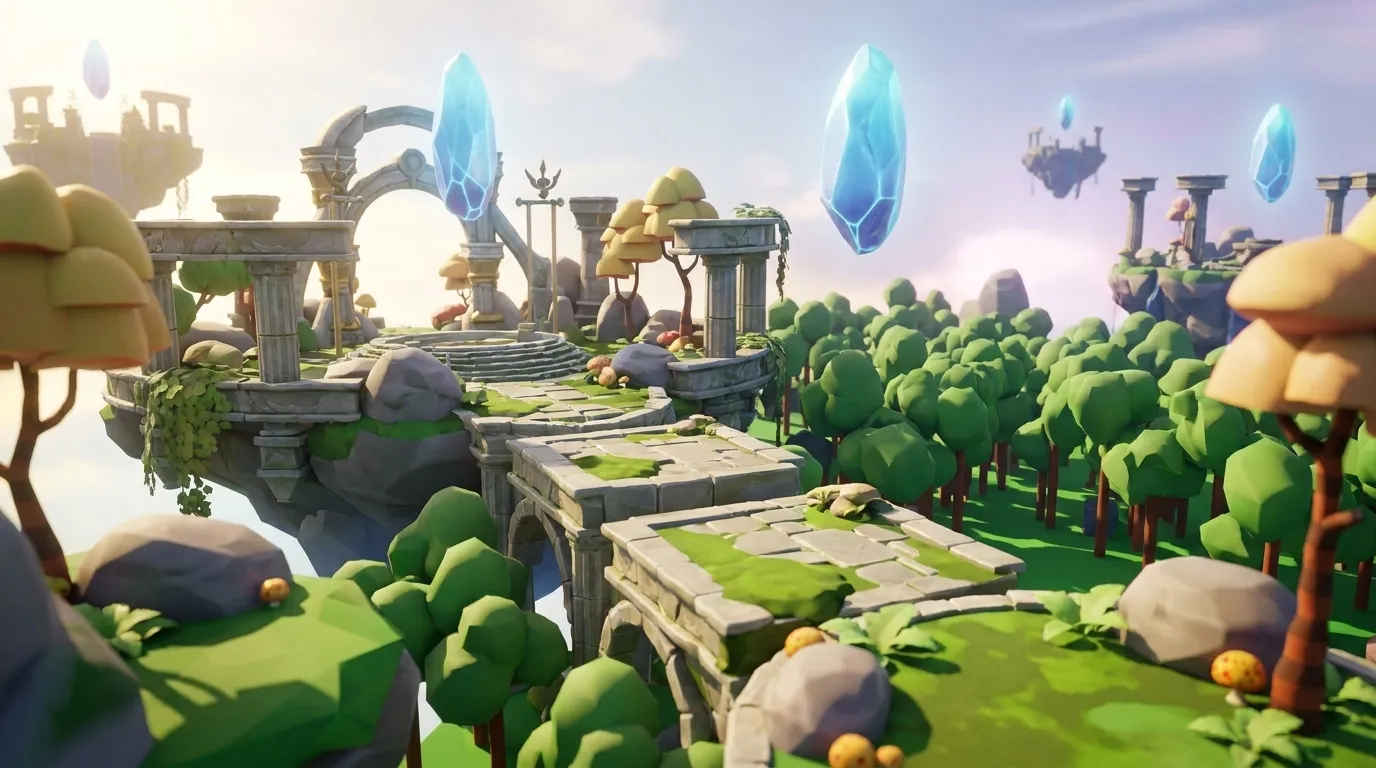
Go to play.nilo.io in any browser on desktop or mobile, with no download needed. Type a prompt like: “Create a floating island obby with 10 platforms, lava gaps, and a finish line.” Nilo reads your description and generates the base layout in your 3D world in real time.
Key decisions at this stage shape your obby’s scope and difficulty. Start by choosing a theme such as space, jungle, underwater, or classic so you lock in the visual style. Then set a rough difficulty level in your prompt, which affects platform spacing and gap size. Finish by deciding how many stages you want; a 10-stage obby works well for a first build because friends can finish it in one short session.

Use an early iteration checkpoint to walk through the generated layout with Nilo’s built-in physics. If a platform feels too far apart or a gap looks too easy, type a follow-up prompt to adjust it. Changes appear instantly, with no reloading and no re-scripting.
Jump into Nilo’s open beta and spin up your first obby layout for free.
Add Checkpoints That Work Without Scripting
Step 2: Drop in checkpoints using natural language.
In Roblox, checkpoints use a built-in object called SpawnLocation, which defines where a player respawns after falling. SpawnLocation has properties like Neutral, TeamColor, AllowTeamChangeOnTouch, and Duration that control respawn behavior. Wiring these up normally requires scripting, but in Nilo you skip that part.
Type a prompt like: “Add a green checkpoint pad after stage 3 that saves player progress.” Nilo generates a SpawnLocation-style checkpoint with the right properties already set. You can refine it by changing the color, adjusting the size, or setting it to neutral so any player can use it, either with follow-up prompts or through the inspector panel.

Nilo’s physics handles the respawn logic for you. When a player touches the checkpoint pad, their spawn point updates. No Lua, no event listeners, and no scripting knowledge are required.
Start adding working checkpoints to your obby in Nilo’s free beta.
Create Moving Platforms and Kill Bricks with Plain Language
Step 3: Turn your prompts into obstacles.
In standard Roblox Studio, a Part is the basic building block for platforms, obstacles, and hazards. It has properties like Anchored, CanCollide, Material, Color, and Transparency. Making a Part move or kill a player usually needs scripting, while in Nilo you rely on properties and real-time physics instead of code.
Try prompts like these:
- “Add a platform that moves left and right every 2 seconds over a lava gap.”
- “Create a red lava brick at stage 5 that kills players on contact.”
- “Add a sticky surface on stage 7 that slows players down.”
Nilo configures the Part properties for you, such as setting Material to SmoothPlastic for sticky surfaces, applying a red Color and kill behavior for lava bricks, and running movement physics for rotating or sliding platforms. You see the result move and react in real time inside your world. As one builder put it in Nilo’s February 2026 survey, “There are no limits on what you can create, just type, draw or add in an image and you can generate, rig, customise and place a fully 3D model within minutes.” That same survey found that 93% of builders would recommend the platform to a friend.

Try adding moving platforms and hazards in Nilo using your own prompts.
Playtest Your Obby Live with Friends
Step 4: Share a link and play together.
Hit the share button in Nilo and copy your world’s URL. Send it to friends on Discord, Telegram, or anywhere you chat. Anyone who clicks the link joins your obby instantly in their browser, with no account required to play, no download, and no setup. This works on both desktop and mobile.
Real-time multiplayer comes built in. You can watch friends attempt your obby while you are still building, see where they keep falling, and adjust platform spacing or checkpoint placement on the fly. Aim to get a friend to complete your obby from start to finish within 30 minutes of starting your build, which is a realistic target with this workflow.

Nilo is backed by Supercell, and the builder feedback mentioned earlier, where 93% would recommend the platform, signals that this playtest and share loop works in practice.
Export Roblox-Ready Obby Assets from Nilo
Step 5: Export and bring your obby into Roblox Studio.
When your obby feels ready, click Export. Nilo reduces polycount so models work directly in Roblox Studio and other platforms without extra cleanup. You get a clean FBX or glTF file with Nilo’s LOD system already applied, which keeps triangle counts inside Roblox’s 10k–20k polygon cap.
Import the file into Roblox Studio using the standard asset import workflow. Your platforms, checkpoints, and kill bricks arrive clean, optimized, and ready to publish. You avoid manual retopology, Blender detours, and polycount headaches.
Nilo also exports to OBJ, STL, and glTF for use in Unity, Unreal Engine, Blender, and VRChat, so your obby assets stay portable across platforms.
Export a test obby from Nilo’s beta and bring it into Roblox Studio.
Quick Checklist to See If Your Obby Is Ready
Use this checklist to confirm your obby is complete and ready to share:
- ✅ Stable mobile FPS, tested in a phone browser before exporting
- ✅ Successful Roblox import, where the FBX or glTF file loads into Roblox Studio without errors
- ✅ First friend playtest completed under 30 minutes from your build start
- ✅ Zero scripting lines written, with every mechanic built through prompts and property tweaks
- ✅ Checkpoints that save progress correctly at each stage
- ✅ Kill bricks and moving platforms that behave as intended in multiplayer
If any item fails, jump back to the matching step and refine your prompt. Nilo’s real-time feedback means you see fixes immediately, with no recompile and no reload.
Frequently Asked Questions
How long does it take to build a complete obby in Nilo?
A basic 10-stage obby with checkpoints, kill bricks, and moving platforms usually takes under 30 minutes for a first-time builder. More detailed builds with custom themes and several obstacle types often take 1 to 2 hours. Because Nilo runs in your browser and shows changes in real time, iteration stays fast so you spend time designing instead of debugging.
Do I need any game development skills to use Nilo?
You do not need prior game development skills. If you can describe what you want in plain language by typing, speaking, or uploading a reference image, Nilo can generate it. The platform introduces concepts like SpawnLocation, Part properties, and LOD through the building experience itself, so you pick up game development knowledge naturally while you create.
What export formats does Nilo support, and which platforms are compatible?
Nilo exports to FBX, OBJ, STL, and glTF. These formats work with Roblox Studio, Unity, Unreal Engine, Blender, and VRChat. Nilo does not lock you in, so you can start your obby in Nilo and continue refining it in another tool, or use Nilo mainly as your asset creation pipeline.
Can I really skip finding a scripter entirely?
Yes, you can skip hiring or finding a scripter. Checkpoints, kill bricks, moving platforms, and respawn logic all run through Nilo’s natural language prompts and physics engine. You describe the behavior you want, and Nilo configures the underlying properties automatically. You never need Lua knowledge at any point in this workflow.
Is Nilo free to use?
Nilo is currently in open beta and free to join. The Starter tier includes 1,000 Nilo Bits per month, which are the credits used for AI generation and export. Many core building features use no Bits at all. You can build, playtest with friends, and share your obby via link without spending anything. In Nilo’s February 2026 survey, 82% of builders rated their experience as “Awesome” or “Good,” and 72% said Nilo makes their creative process easier by “a lot.”