Written by: Nuno Leiria, Founder & CEO @ Nilo | Last updated: August 9, 2026
Why Free AI Vibe Coded Games Matter for You
- Free AI vibe coded games let you create browser-based 3D worlds instantly using natural language prompts, with no coding or installs.
- Over one-third of game industry professionals now use generative AI tools, and 93% of Nilo builders recommend the platform after trying it.
- Ten ready-to-play examples across platforms like Nilo, AutoArcade.ai, and arcade.pirillo.com show tower defense, roguelikes, neon racers, and more.
- You can build your first world in about five minutes: open Nilo, generate assets, rig a character, add logic with vibe coding, and share.
- Join Nilo’s open beta and start building and playing your own worlds for free.
10 Free AI Vibe Coded Games You Can Play Right Now
You can jump into these browser games in a few seconds. No downloads and, for most of them, no account. Use them as ideas for what you can build tonight.
- Nilo Community Feed – play.nilo.io hosts a scrollable feed of 3D worlds built by Nilo creators like you. You will see obstacle courses, survival maps, fantasy environments, and sci-fi showcases. Every world comes from vibe coding with natural language prompts that generated real 3D assets, animated characters, and working physics. Click any world and you are inside it instantly.
- Turret Siege – A tower defense game on AutoArcade.ai with 100 waves of enemies and four tower types: Rapid Fire, Sniper, Area splash damage, and Special freeze-and-poison effects. The game is fully AI-generated and you can play without an account.
- Epoch Clash – A strategy game on AutoArcade.ai inspired by Civilization V. You expand across a hex-grid map, research technologies, and conquer rival cities before the age ends.
- Cap Dash – A platformer on AutoArcade.ai inspired by Super Mario World. Run, jump, and stomp through eight hand-crafted levels, collect stars, and reach the exit flag before time runs out.
- Realm Breaker – An action-arcade game on AutoArcade.ai where you slash through waves of mythic enemies using timed combo attacks and build rage for area strikes. The combat feel takes cues from God of War Ragnarök.
- Cyber Horizon – A free 3D neon racer at arcade.pirillo.com. You hit portal shortcuts, drift for boost, and race CPU rivals across endless worlds or short circuits, all in the browser.
- Sandtris – A physics-twist puzzle game at arcade.pirillo.com that mixes Tetris with falling-sand simulation. Blocks crumble into particles when they land, with vibes from Noita and Sandspiel.
- The Amulet of Yandor – A roguelike dungeon crawler at arcade.pirillo.com with procedural levels, monster fights, and loot. It feels like a browser tribute to Rogue and NetHack.
- K3-OF-DUTY – A browser-native FPS at opengame.app generated with AI. You get WebGL combat in a city environment with no install.
- Silver & Shadow – A puzzle game on AutoArcade.ai where you hunt cursed creatures by reading clues, spotting weaknesses, and picking the right attack. One wrong move heals the beast. The design nods to The Witcher 3.
Start building your own game in Nilo’s free beta after you try a few of these.
Build Your First AI Game in 5 Minutes With Nilo
You can go from zero to a playable 3D world tonight in Nilo. You only need a browser, not scripting knowledge or Blender.

- Open Nilo in your browser. Go to play.nilo.io. There is no download or install. You appear inside a 3D environment right away. This is your world, and everything starts out interactive and dynamic, so objects move, bump, and react in real time as soon as you place them.
- Generate your first asset. Use the radial menu, the quick-access wheel that appears when you right-click or tap, to open the AI generator. Type a prompt like “a low-poly medieval castle tower” or sketch a rough shape. Nilo’s model-agnostic AI layer, which pulls from providers including Meshy, Tripo, and Cartwheel, returns a 3D model in seconds. Polycount, the number of triangles in a 3D mesh, is tuned automatically through Nilo’s real-time Level of Detail system so your world runs smoothly on devices that follow Roblox’s 10K–20K polygon caps.
- Rig your character. Rigging connects a 3D model to a skeleton so it can move and animate. In many tools, rigging a bipedal character takes hours in Blender. In Nilo, you click once. Place your character in a T-pose with arms out and standing straight, which gives the cleanest animation results, and Nilo rigs it automatically, including clothing as part of the full character model.
- Add game logic with vibe coding. Open the built-in code editor and type what you want in plain language. You might write “make the character jump when I press spacebar” or “add a timer that counts down from 60 seconds.” Nilo generates working code in a moment and you see the result live in your 3D world. You can tweak variables directly in the editor, such as changing “speed = 2” to “speed = 20,” and you start to learn how code behaves without writing it from scratch. In Nilo’s February 2026 survey, one builder said, “You made me enjoy vibe-coding. The code assistance works almost flawlessly, other experiences have just been frustrating at best.”
- Share and play. Hit publish and Nilo creates a link. Send it to a friend so they can click and play instantly, or jump in and build with you in real time. They do not need an account to play.
Here are three quick-start prompts you can copy right now:
- “Generate a low-poly forest environment with a wooden bridge and glowing mushrooms”
- “Create a bipedal robot character in a T-pose with metallic blue armor”
- “Add a collectible coin that disappears when the player touches it and adds 10 points to the score”
Try the 5-minute tutorial in Nilo’s open beta and test these prompts yourself.
Best AI for Vibe Coding: How To Compare Your Options
Now that you have seen how fast you can build in Nilo, you may want to understand how other AI game tools compare. When you look at AI game creation platforms, check whether they support real 3D, multiplayer worlds, and browser play without downloads. You should also look at how much control you keep after generation and whether you can export to engines like Roblox or Unity.
Nilo stands out for builders who want real 3D and multiplayer in the browser. It is a browser-based 3D creation platform built on a custom game engine with C++ physics compiled to WebAssembly and accelerated with WebGPU. This setup delivers game-engine performance without any install and lets you build inside the world in real time instead of prompting from a distance and waiting. The full pipeline lives in one place: you generate assets, rig characters instantly, vibe code game logic in any language, playtest with friends through a shared link, and export to FBX, OBJ, STL, or glTF for Roblox, Unity, Unreal Engine, Blender, or VRChat. In Nilo’s February 2026 survey, 72% of builders said Nilo makes their creative process easier “by a lot,” and 93% said they would recommend it to a friend.

Rosebud AI is a browser tool that turns text prompts into playable HTML5 games with a free tier and instant shareable links. You can spin up 2D prototypes quickly and see if an idea feels fun in about five minutes. Rosebud focuses on small HTML5 games with limited or pseudo-3D and no Steam export. If you want a full 3D world with multiplayer, you will hit that ceiling fast.
Replit is a code-first development environment that supports vibe coding through AI-assisted scripting. It works well for general software and browser games, but it is not built around 3D game creation. You do not get an integrated 3D asset pipeline, instant character rigging, or a game engine underneath. You write or prompt code that runs in a browser instead of building inside a live 3D scene.
Claude and Gemini from Anthropic and Google can generate game code from prompts and help a lot with scripting logic. Browser tools like Bolt pair these models with Phaser or Three.js to produce small web games from prompts, with free tiers that work well for weekend experiments. You still generate a webpage, not a full game engine. You do not get a scene tree, asset pipeline, physics simulation, or built-in multiplayer. Multiplayer networking remains hard to handle through prompts alone because synchronizing physics and player states across a network needs careful tuning that automated tools often miss.
Arcade AI, Starstuff, and Spawn are AI-native browser tools that focus on instant generation. They feel great for quick demos and experiments. They do not yet match the depth of a custom game engine, a full 3D asset pipeline, or real-time collaborative building where creation feels like play.
The main trade-off across these tools is speed versus control. Prompt-to-game tools give you something fast but limit how much you can change after generation. A game engine approach like Nilo takes a little more setup but keeps you inside the world, building and iterating in real time. AI can produce a playable prototype from one prompt, but a complete game still needs your design choices, scope control, and taste because AI cannot judge fun. You get the best results from tools that keep you in charge.
Quick-Start Prompts for Your First Vibe Coded World
These prompts work in Nilo’s natural language code editor and asset generator. Type them as written or remix them in any language you prefer, including English and Spanish.
For characters:

- “Create a bipedal warrior character in a T-pose with heavy stone armor and glowing green eyes, low-poly style”
- “Generate a cartoon fox character in a T-pose with a red scarf and oversized sneakers”
- “Make a sci-fi robot in a T-pose with a visor helmet and articulated arm joints, metallic texture”
For environments:

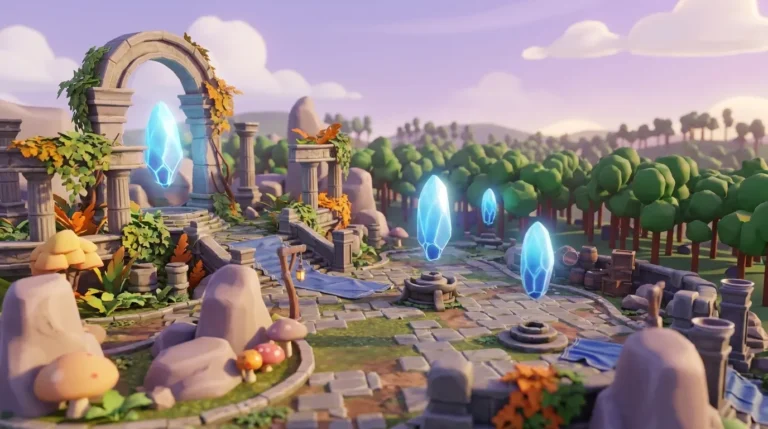
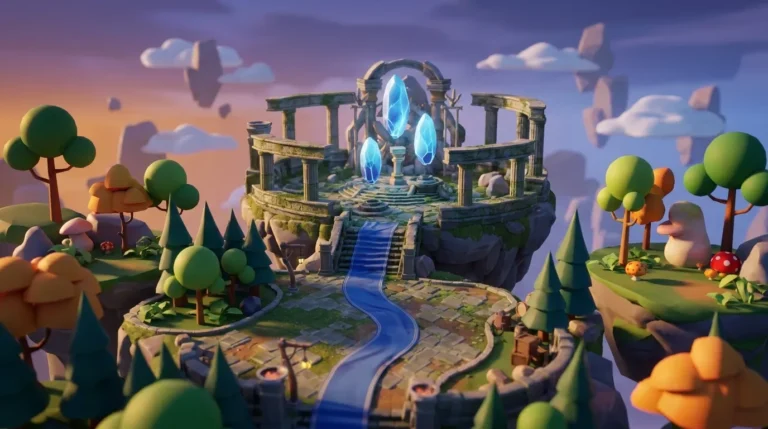
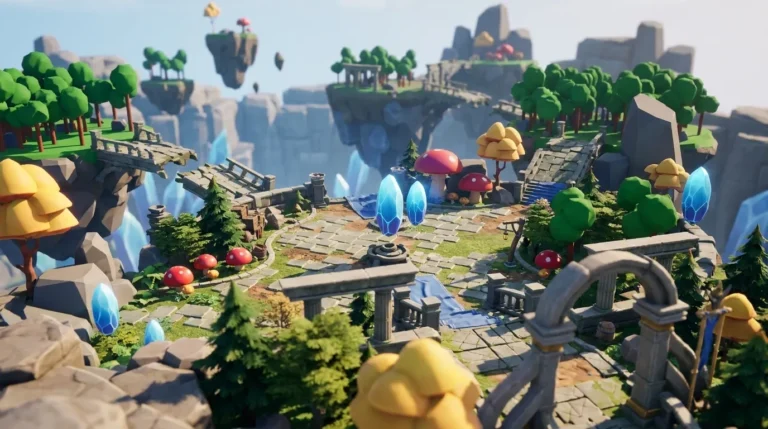
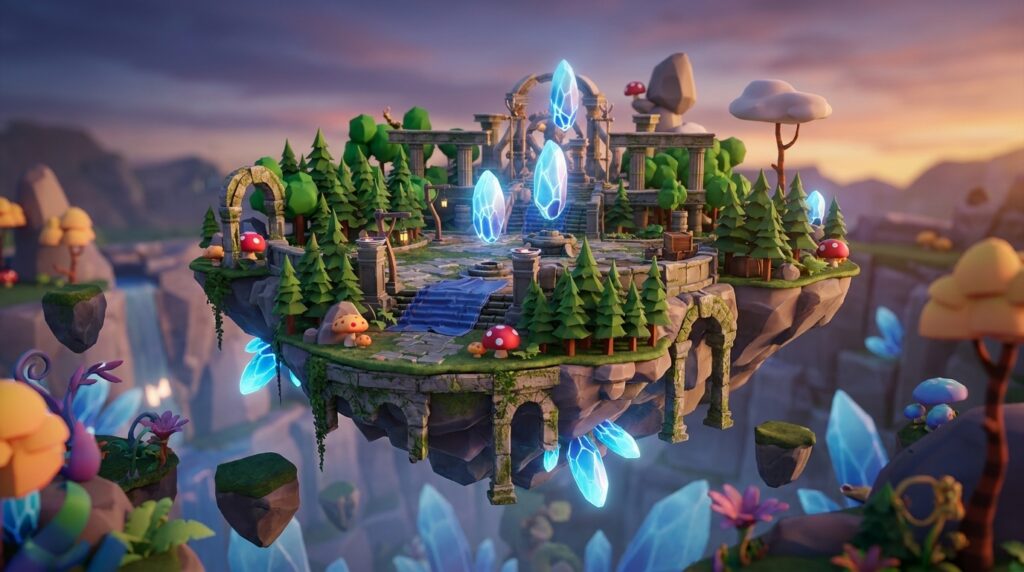
- “Build a floating island environment with waterfalls, ancient ruins, and glowing crystal formations”
- “Generate a neon city rooftop at night with vents, satellite dishes, and puddles reflecting light”
- “Create a cozy forest clearing with a campfire, wooden crates, and a dirt path leading into trees”
For simple game logic with vibe coding:
- “Make the player character run faster when they collect a glowing orb, lasting 10 seconds”
- “Add a door that opens when the player stands near it for 2 seconds”
- “Create a simple score counter that adds 1 point every time the player touches a star object”
Every prompt above generates real working output in Nilo, from assets you can drag into your world to characters you can rig and animate with a follow-up prompt. As one builder shared in Nilo’s February 2026 survey, “There are no limits on what you can create — just type, draw or add in an image and you can generate, rig, customise and place a fully 3D model within minutes.”
Frequently Asked Questions
Is vibe coding free?
Yes. Vibe coding, which means creating games by describing what you want in plain language instead of writing code, is free to try on several platforms. Nilo’s open beta is free to join and includes 1,000 Nilo Bits per month. These credits power AI generation features such as text-to-3D models, animations, and asset creation. Many core building features in Nilo do not use Bits at all. Other tools like Rosebud AI and AutoArcade.ai also offer free tiers, though features differ. Free tiers usually cover prototyping and sharing, while heavier use or advanced models may need a paid plan.
Can I export my Nilo world to Roblox?
Yes. Nilo exports to standard 3D formats including FBX, OBJ, STL, and glTF, which all work with Roblox Studio. Nilo’s real-time Level of Detail system adjusts polygon counts to match Roblox’s performance limits of 10,000–20,000 polygons per model, so your assets arrive in Roblox Studio clean and ready without manual cleanup. For Roblox character textures, Nilo’s Workbench generates flat 2D Torso and Leg textures for R15 characters. You still set up three-dimensional layered clothing inside Roblox Studio. Nilo is not a Roblox plugin. It is a standalone browser platform, so you export from Nilo and import into Roblox Studio as a separate step.
Do I need to know how to code to make a vibe coded game?
No. Vibe coding exists for aspiring builders or already builders like you who do not script yet. In Nilo, you open the built-in code editor and type what you want your game to do in plain language, such as “make the enemy patrol back and forth” or “add gravity to this object.” Nilo generates working code and applies it to your world in real time. You can see the actual code variables and tweak them directly, for example changing “speed = 5” to “speed = 15” to feel the difference. This flow lets you learn real programming concepts without starting from a blank file. Nilo’s code editor accepts prompts in any language, not just English.
What is the difference between a vibe coded game and a regular browser game?
A regular browser game is built by a developer who writes code, designs assets, and assembles everything in a game engine. That process often takes weeks or months. A vibe coded game is built by describing what you want to an AI in natural language while the AI handles code generation, asset creation, and logic in real time. The final result can still be a playable browser game, but the path there feels open to anyone, not only experienced developers. Vibe coded games work best at smaller scales right now. Complex mechanics, large multiplayer systems, and long narrative games still benefit from traditional development and careful design. For 3D worlds, obstacle courses, showcase environments, and casual games, vibe coding gives you a fast and fun path from idea to something you can play.
Start Building Your First World Tonight
Free AI vibe coded games are live today in your browser, and you can build your own world tonight without writing a single line of code. The game list above gives you examples to play for inspiration. The 5-minute walkthrough shows you a clear path to your first world. The prompt templates give you a starting point you can remix in any direction.
Nilo stands out by combining a real 3D game engine, instant character rigging, vibe coding, multiplayer collaboration, and Roblox-ready export inside a single browser platform. You avoid installs, Blender, and waiting around for a scripter. Backed by Supercell and shaped with a community of more than 9,000 builders on Discord, it feels like a place where creation and play blend together.