Written by: Nuno Leiria, Founder & CEO @ Nilo | Last updated: August 8, 2026
Key Takeaways for Roblox-Focused Builders
- Free browser-based 3D tools like Nilo, Summer Engine, and Playmix.ai work better than Rosebud AI when you need real 3D output and Roblox export.
- Rosebud AI’s free tier limits active projects, private games, and export options, so it does not support serious 3D Roblox workflows.
- Nilo stands out as the only free browser-based option that combines a full 3D engine, real-time physics, automatic LOD, and direct Roblox export with 1,000 Nilo Bits per month.
- Most free browser tools stay 2D-only or lack export paths, which forces you into fragmented workflows across Meshy, Blender, and Roblox Studio.
- Start building in Nilo’s browser-based 3D engine to try real-time collaboration and one-click Roblox export without downloads.
The Friction of Moving from Playing to Creating
You have spent hundreds of hours in Roblox or Minecraft and you know exactly what kind of world you want to build. You open a creation tool and hit a wall almost immediately. A paywall appears after your first few exports, or the tool only supports 2D when your idea clearly lives in 3D.
Sometimes you generate something that looks promising, then realize you cannot get it into Roblox Studio without spending hours cleaning up the mesh in Blender. This friction stops many aspiring builders like you before you ever ship a playable world. Rosebud AI often feels like a natural starting point because it lets you generate browser-based games from text prompts and share them with a link.
However, Rosebud AI’s free tier limits the number of active projects and restricts private-game options. Paid plans add export to desktop (Windows EXE) and Steam. Every AI generation, edit, or logic change consumes credits, so a single afternoon of serious iteration can drain your free balance.
If your real goal is to build 3D worlds and export playable assets to Roblox, you need a different category of tool entirely.

Why Fragmented Workflows Burn You Out
Fragmented tools and hidden costs do more than slow you down, they kill your creative momentum. Without a unified tool, your workflow usually looks like this. You start by generating a 3D model in Meshy or Tripo. That model often exceeds Roblox’s polygon limits, so you import it into Blender for manual retopology, cleaning up the mesh geometry by hand.
After that cleanup, you export from Blender and import into Roblox Studio. You then discover the rig did not transfer correctly or the polycount is still too high. You go back to Blender or the generator and repeat the cycle. Each loop eats more time and energy.
Most browser-based AI game makers stay 2D-only or offer light pseudo-3D, even on paid plans, because real-time 3D in a browser tab is computationally heavy. The tools that feel easiest to open in a tab often give you the least support for what Roblox builders like you actually need.
The result is predictable. You burn out, drop projects, and bounce between half-finished ideas. According to Nilo’s February 2026 Survey, one builder described it like this: “Picture yourself, frustrated because you spent the last 5 hours 3D modeling a shipping container. All I have to do is open Nilo and do it in 20 seconds.”
Try building a small prop in Nilo to feel the difference between a fragmented pipeline and a single browser tab.
What AI-Assisted Browser 3D Tools Actually Are
The category you should look at is AI-assisted browser-based 3D creation. These tools combine modeling, scripting, and publishing in one environment that opens in a browser tab and shares with a simple link.

This category differs from desktop engines like Roblox Studio, Unity, or Unreal Engine, which require installation, stronger hardware, and months of learning. It also differs from prompt-to-game tools like Rosebud AI, which generate a browser game from a text description but do not give you a real 3D engine where you can build directly.
WebGPU reached stable cross-browser Baseline support in early 2026 after partial availability in major browsers in late 2025, with desktop support in recent versions of Chrome, Edge, Safari, and Firefox. Android Chrome shipped WebGPU by default in Chrome 121 (January 2024), while iOS Safari support appears in Safari 26 (2025). This shift raised browser 3D graphics performance close to Unreal Engine levels at 60 fps.
The right tool in this category lets you build, playtest, iterate, and export without leaving your browser or juggling multiple apps.
Try Nilo’s unified workflow yourself to see how it feels to stay in one place from idea to Roblox export.
Key Capabilities to Compare Across Tools
When you compare tools in this category, focus on six core areas. These areas shape how fast you move from idea to playable Roblox content.
3D Asset Generation and Refinement
Nilo’s Craft Your Model feature lets you generate objects from a sketch, image, text prompt, or a mix of all three. Its model-agnostic AI layer sits on top of providers like Meshy and Tripo, so you get strong results without switching apps. As one builder noted in Nilo’s February 2026 Survey, “You can work 20 times faster than you usually work on models.”

Rosebud AI focuses on generating browser games from text prompts and offers only limited 3D capability. Paid plans add Windows executable downloads. Summer Engine and Playmix.ai include lighter generation features that mainly suit 2D or simple web experiences.
Natural-Language Logic Creation
Natural-language logic creation means you describe what you want your game to do in plain language and the tool writes the code. Many builders call this “vibe coding.”
Nilo’s built-in code editor accepts text, voice, or image inputs and turns them into working game logic with real-time feedback in your 3D world. You can also see and edit the actual code variables, such as changing “speed = 2” to “speed = 20”. This approach teaches real programming concepts while still feeling approachable.
Rosebud AI also uses natural language for game generation, but the experience mostly stops after that first generation. AI app builders like Bolt offer free tiers with daily limits that work for small weekend prototypes, yet they provide only basic 3D and no full scene tree or asset pipeline.
World Building and Scene Assembly
Nilo gives you a radial menu for quick object creation, an inspector panel for detailed property editing, and real-time physics simulation. Everything in your scene starts interactive and dynamic. You can customize sky, ground, color, and environment settings, then publish worlds into a scrollable feed similar to Roblox’s experience list.

3D game builders use a Z-axis with polygonal meshes, textures, lighting, shaders, and free camera movement, which enables full spatial exploration, while 2D builders operate on a flat X/Y plane with sprites. Most free browser tools stay in 2D territory. Nilo operates in full 3D.
Optimization and Performance Constraints
Roblox usually caps assets at 10,000 to 20,000 polygons. If your model exceeds that range, it may fail to load correctly or cause heavy lag in-game.
Nilo’s Optimize, Rig, & Animate feature includes a real-time level of detail system that automatically adjusts polygon counts so your models stay within Roblox’s limits. Free tiers on AI 3D generators like Tripo often restrict output quality, texture resolution, or polygon count, with high-detail models reaching up to 2 million polygons on paid plans. That means you would still need to reduce geometry manually before exporting to Roblox from those tools.
Collaboration and Sharing
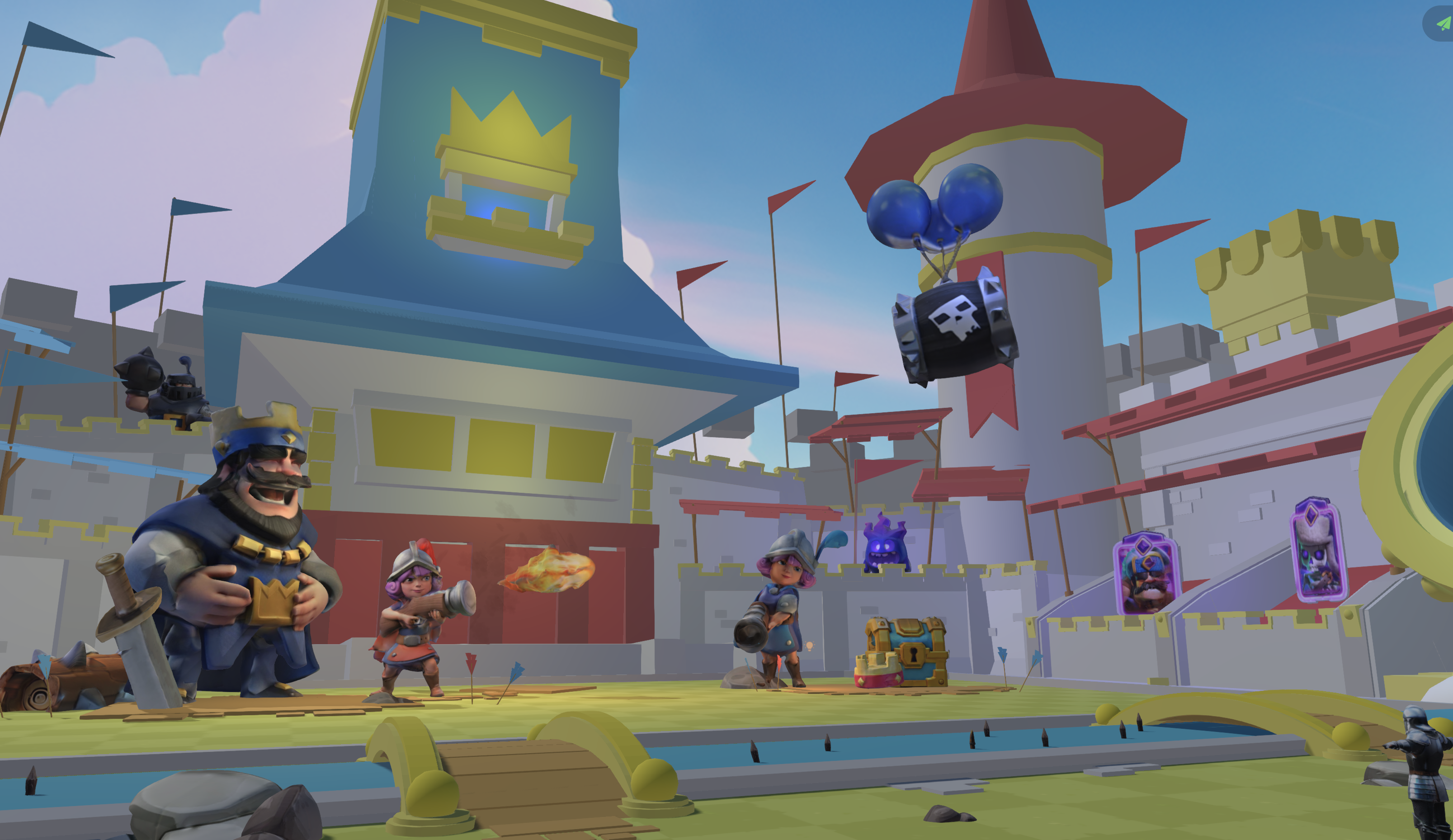
Nilo supports real-time multiplayer creation. You share a link and friends can join to build and play together on desktop or mobile. You can publish worlds publicly, keep them private for staging, or clone and remix them.
Rosebud AI lets you share games with a link but does not support real-time collaborative building. Many browser game makers on free tiers add platform branding or watermarks and restrict commercial use until you upgrade.
Export and Interoperability
Export options create the biggest gap between tool categories. Nilo exports to FBX, OBJ, STL, and glTF, which work with Roblox, Unity, Blender, VRChat, and Unreal Engine. Its LOD system keeps polygon counts within Roblox’s caps on export.
Rosebud AI output stays primarily browser-based, with Windows executable downloads on paid plans. Summer Engine and Playmix.ai also focus on web-only output instead of portable 3D asset export.
Free-Tier Limits Comparison
| Tool | Free Credits / Month | 3D Support | Export Options |
|---|---|---|---|
| Nilo | 1,000 Nilo Bits | Full 3D engine (WebGPU/WebAssembly) | FBX, OBJ, STL, glTF, compatible with Roblox, Unity, Unreal, Blender |
| Rosebud AI | Monthly AI credits that run out quickly with heavy iteration | Limited 3D capability | Primarily browser-based, Windows executable downloads on paid plans |
| GDevelop (web editor) | Free and open source | Primarily 2D, no real 3D support | Web, mobile, desktop |
2D vs. 3D and Export Options
| Tool | Dimension | Physics | Roblox Export |
|---|---|---|---|
| Nilo | Full 3D | Real-time C++ physics via WebAssembly | Yes, LOD-optimized and Roblox-ready |
| Rosebud AI | Limited 3D | Basic browser physics | No |
| GDevelop | 2D, gradually adding 3D | 2D physics | No |
How To Evaluate Tools Before You Commit
When you decide which tool to commit to, check a few key criteria before you invest serious time.
- Onboarding speed: You should be able to create something in your first session without hours of tutorials. Look for tools with in-app guidance or AI that explains concepts as you go.
- Output quality: The tool should produce clean geometry instead of “melted” meshes and warped models that need heavy fixing. Check community showcases to see real output.
- Export compatibility: Confirm that the tool exports to formats your target platform accepts. For Roblox, that usually means FBX or GLB with polygon counts under 20,000, and you should know whether optimization happens automatically.
- Performance limits: 3D games demand much higher CPU, GPU, and memory resources than 2D games because they render full environments with depth, lighting, shadows, and dynamic cameras. Ask whether the tool handles optimization for you or leaves everything on your plate.
- Collaboration needs: If you want to build with friends, check whether the tool supports real-time multiplayer creation or only solo workflows.
- Learning value: The strongest tools for aspiring builders like you both simplify the process and teach real concepts such as rigging, polygons, mesh topology, and physics.
Practical Scenarios for Different Types of Builders
The First-Time Creator
You have never used a 3D tool before and you want to make a simple prop, like a sword or a vehicle, then bring it into Roblox. With a prompt-to-game tool such as Rosebud AI, you can generate a browser game quickly, but you cannot export that sword as a 3D file.
With Nilo, you type a description or sketch the shape, use Craft Your Model to generate it, hit Optimize to bring the polygon count within Roblox’s limits, and export a Roblox-ready file. The February 2026 Nilo Survey highlighted this shift clearly, noting that work which used to take hours now takes seconds.
The Roblox-Focused Builder
You already build in Roblox Studio, but you feel tired of the daisy chain of Meshy, Blender, and Roblox Studio, then discovering the rig broke and starting over. You want a single-tool workflow that keeps you in flow.
Nilo’s end-to-end pipeline lets you generate, optimize, rig with one click, animate with a text prompt, and export. One builder from the February 2026 Nilo Survey said, “I like how it feels like a good game engine rather than a vibe coding tool, with easy building and a good focus on being able to export and import content.”
The Collaborative Team
You and a couple of friends want to build a world together. Most tools require one person to own the project and pass files around. That setup creates version conflicts and waiting.
Nilo supports real-time multiplayer creation, so you share a link and everyone builds and plays in the same world at the same time on desktop or mobile. You avoid file transfers and keep the whole team in sync.
FAQ
What is the difference between a prompt-to-game tool and a real 3D game engine?
A prompt-to-game tool like Rosebud AI takes a text description and generates a browser-playable game. The experience feels fast but shallow because you cannot easily go inside the world and change specific details without regenerating large sections.
A real 3D game engine gives you a spatial environment where you move objects, test physics, write logic, and iterate in real time. Nilo works as a game engine first, so you stand inside a 3D world building it, with AI acting as your co-pilot instead of replacing you.
Do I need to know how to code to use these tools?
You do not need to know how to code to get started. Nilo’s built-in code editor accepts natural language prompts, so you describe what you want in plain language and it generates working game logic instantly.
You can then see and edit the actual code variables, which helps you learn real programming concepts without starting from zero. Other tools like GDevelop use visual event sheets that also avoid traditional coding.
What is the difference between browser-based tools and desktop engines like Roblox Studio or Unity?
Desktop engines require installation, often need a capable computer, and come with steep learning curves aimed at professional developers. Browser-based tools open in a tab, with no downloads, minimal setup, and no demand for high-end hardware.
Nilo runs on desktop and mobile browsers using WebAssembly and WebGPU, the same technologies behind many high-performance web apps. The trade-off used to be weaker performance in browsers, but that gap has narrowed a lot since WebGPU reached stable cross-browser Baseline support in early 2026.
Can I export my creations to Roblox from a free tool?
Most free browser-based tools do not support Roblox export and only output browser experiences. Nilo stands out here because it exports to FBX, OBJ, STL, and glTF formats that Roblox Studio accepts, and its LOD system automatically keeps polygon counts within Roblox’s usual 10,000 to 20,000 polygon range.
You can export static models, rigged characters, and animated assets straight to Roblox Studio without extra cleanup in Blender.
Who owns the assets I create in Nilo?
You own the models, skins, and assets you create in Nilo. You can publish them to the Roblox Marketplace, use them in your own games, or sell them elsewhere, because Nilo does not lock you into a walled garden.
You can also treat Nilo as an asset creation pipeline and continue your workflow in any tool that accepts standard 3D formats.
Conclusion: Match Your Tool to Your Roblox Goals
If you want to generate a quick browser game from a text prompt and share it with friends, Rosebud AI covers that use case. If your goal is to build 3D worlds, export game-ready assets to Roblox, and stay in creative flow without juggling multiple apps, you need a real 3D engine instead of a journaling-style prompt tool.
The right choice depends on what you want to build. For aspiring builders and already builders like you who want to move from playing to creating and see those creations working inside Roblox, Nilo stands out as a strong free browser-based option. It combines a true 3D engine, real-time physics, automatic optimization, and direct Roblox export. In Nilo’s February 2026 Survey, 93% of builders said they would recommend Nilo to a friend, and 82% rated their experience as “Awesome” or “Good.”
Creation should feel like play, not like fighting your tools. Join Nilo’s open beta and experience creation that feels like play, not like wrestling with exports.